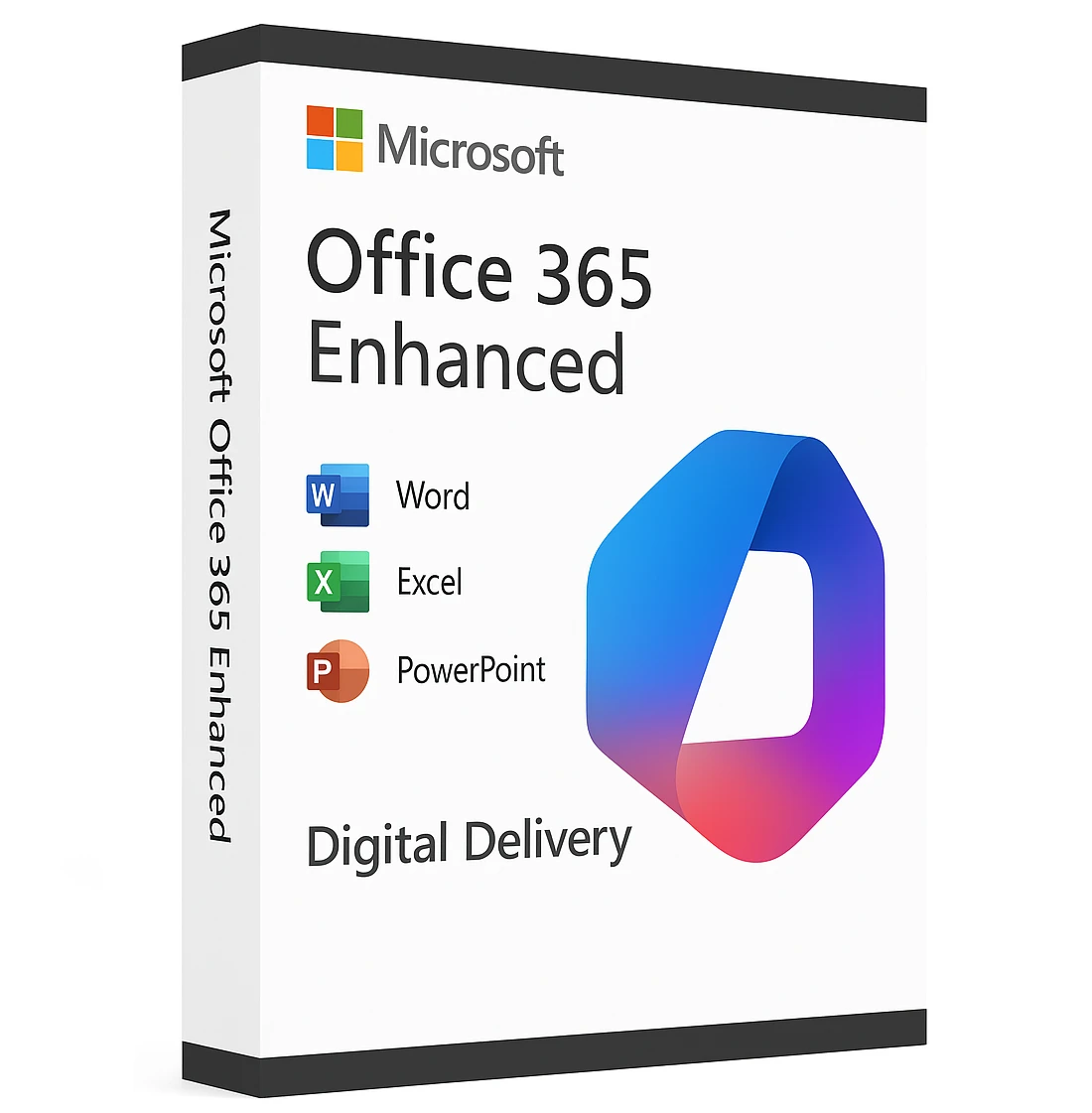
Microsoft Office 365 Enhanced – Email Delivery
₹2,599.00
- License For 5 Machine Only
- Official Download Link Included
- Product Guidebook Included (PDF)
- Delivery Within 10-15 Minutes
- Digital Delivery Through By Email
Description
Microsoft Office 365 Enhanced
Microsoft Office 365 Enhanced is the ultimate productivity suite for individuals, teams, and businesses. Designed to streamline work and collaboration, it offers the latest versions of Word, Excel, PowerPoint, Outlook, OneNote, and more, With support for 5 users, this plan is ideal for small businesses, remote teams, and households.
Whether you’re creating presentations, analyzing data, or managing emails, Office 365 Enhanced ensures seamless access across PCs, Macs, tablets, and smartphones. Enjoy real-time collaboration, AI-powered features, and top-tier security.
✅ Key Features
-
Supports 5 Users – Perfect for families or small teams.
-
Latest Office Apps – Word, Excel, PowerPoint, Outlook, OneNote, and Access (PC only).
-
Cloud Storage – 50GB OneDrive per user for secure file storage and sharing.
-
Cross-Device Access – Install on Windows, macOS, iOS, and Android devices.
-
AI & Productivity Tools – Smart suggestions, templates, and real-time editing.
-
Premium Security – Advanced threat protection and encrypted emails.
-
Regular Updates – Always stay up-to-date with the latest features.
-
Offline Access – Work without internet and sync when online.
-
Inclusive Features – Accessibility tools for diverse user needs.
✅ Why Choose Microsoft Office 365 Enhanced?
Unlike traditional Office software, Office 365 Enhanced provides flexibility, cloud integration, and continuous updates. This means you’ll never need to buy another version again – everything is included in one subscription.
With enhanced security, AI-powered tools, and collaboration features, your team can work faster and smarter. Plus, it’s designed for both personal and business use.
✅ Benefits for Teams & Businesses
✔ Real-Time Collaboration – Multiple users can edit documents simultaneously.
✔ Cloud Backup – Never lose files with automatic OneDrive storage.
✔ Accessible Anywhere – Work from home, office, or on the go.
✔ Cost-Effective – 5 users under one account saves money.
✔ Inclusive Tools – Features for diverse abilities and languages.
✅ Installation & Compatibility
-
Purchase the product and receive your official account (Username & Pass).
-
Sign in to your Microsoft account and download the apps.
-
Install on Windows, Mac, or mobile devices.
-
Activate and start working within minutes.
Compatible with: Windows 10/11, macOS (latest versions), iOS, Android.
✅ Frequently Asked Questions (FAQ)
Q1: How many devices can I install Office 365 Enhanced on?
You can install it on multiple devices (PC, Mac, mobile) for 5 users.
Q2: Is this a lifetime Account?
Yes, it’s a account base model, which ensures you always have the latest updates.
Q3: Can I use it offline?
Yes! You can work offline, and your files will sync when you reconnect to the internet.
✅ Call-to-Action
Upgrade your productivity with Microsoft Office 365 Enhanced – 5-User Version. Enjoy the power of modern collaboration, premium apps, and secure cloud storage today.
Buy Now and start working smarter!
System Requirements
Before purchasing, ensure your devices meet these requirements:
✅ Operating System
-
Windows:
-
Windows 11
-
Windows 10 (latest version with all updates)
-
-
macOS:
-
The three most recent versions of macOS
-
✅ Processor
-
Windows:
-
1.6 GHz or faster, 2-core processor
-
-
macOS:
-
Intel processor or Apple Silicon (M1, M2, M3 series)
-
✅ Memory (RAM)
-
Windows:
-
4 GB RAM (64-bit)
-
2 GB RAM (32-bit)
-
-
macOS:
-
4 GB RAM
-
✅ Hard Disk Space
-
Windows:
-
4 GB of available disk space
-
-
macOS:
-
10 GB of available disk space
-
✅ Display
-
Windows:
-
1280 x 768 screen resolution
-
-
macOS:
-
1280 x 800 screen resolution
-
✅ Graphics
-
DirectX 9 or later with WDDM 2.0 or higher
✅ Internet
-
Internet connection required for activation and updates
✅ Browser
-
The current version of Microsoft Edge, Safari, Chrome, or Firefox
✅ Additional Requirements
-
Microsoft account for activation
-
Some features require a Microsoft 365 subscription
Only logged in customers who have purchased this product may leave a review.
Reviews
There are no reviews yet.