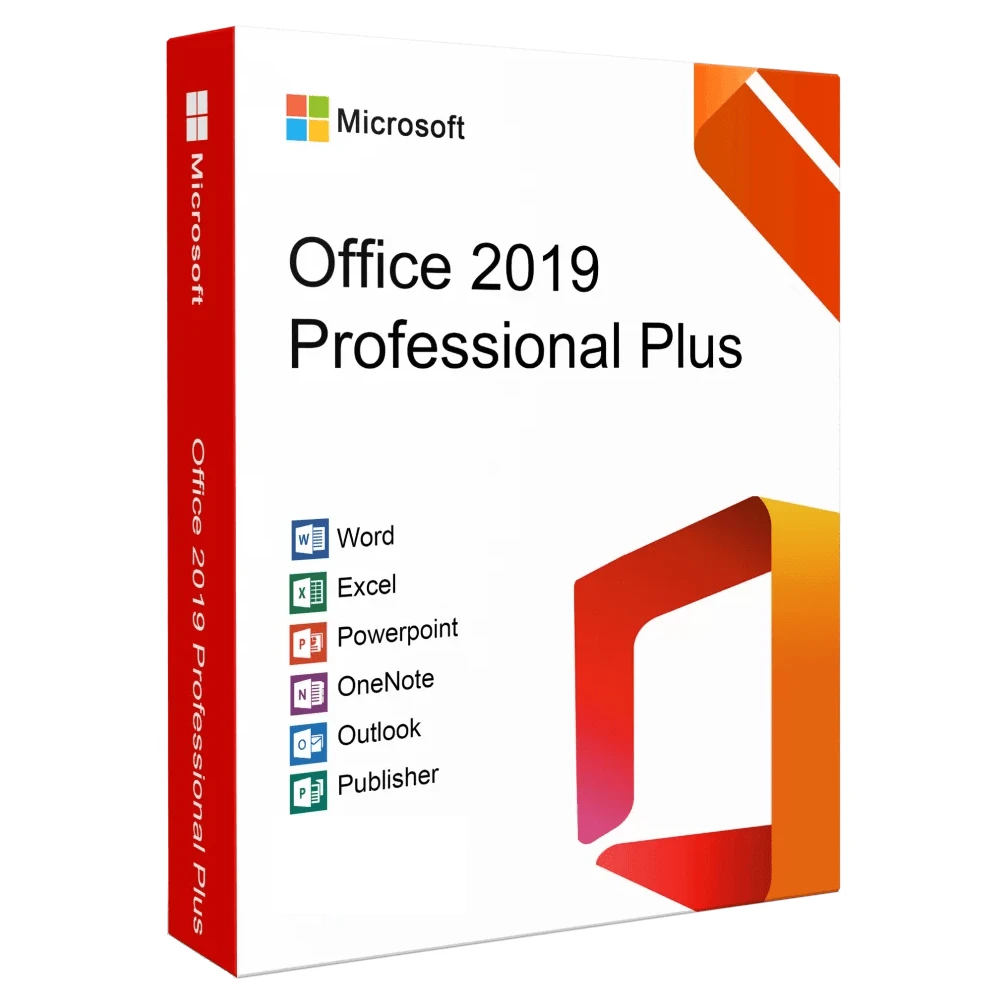
Microsoft Office 2019 Pro Plus Key – Email Delivery
₹2,190.00
- License For 1 Machine Only
- Official Download Link Included
- Product Guidebook Included (PDF)
- Delivery Within 10-15 Minutes
- Digital Delivery Through By Email
Description
Microsoft Office 2019 Pro Plus
The Ultimate Productivity Suite for Businesses & Professionals
If you are searching for the most reliable and feature-rich productivity software for your business or personal use, Microsoft Office 2019 Professional Plus is the perfect choice. It is a complete offline suite packed with powerful tools to create, manage, and share professional documents effortlessly.
Whether you are an entrepreneur, student, or corporate professional, Microsoft Office 2019 Professional Plus delivers cutting-edge features for writing, data analysis, presentations, email management, and more—all without the need for monthly subscriptions.
What is Microsoft Office 2019 Professional Plus?
Microsoft Office 2019 Professional Plus is an advanced edition of Microsoft’s Office suite designed for professionals and enterprises who require enhanced functionality. Unlike Office 365, this version is a one-time purchase license that provides lifetime access to essential Office applications without recurring fees.
This edition is perfect for users who prefer a fully offline solution while still enjoying modern tools and performance improvements. It combines the reliability of Microsoft’s traditional Office suite with upgraded features to boost productivity.
Key Applications in Microsoft Office 2019 Professional Plus
When you buy Microsoft Office 2019 Professional Plus, you get access to the full range of industry-standard applications:
-
Microsoft Word 2019 – Create professional documents with advanced editing and formatting tools.
-
Microsoft Excel 2019 – Perform powerful data analysis with new charts, formulas, and PowerPivot.
-
Microsoft PowerPoint 2019 – Build stunning presentations with new Morph and Zoom transitions.
-
Microsoft Outlook 2019 – Manage your email, calendar, and contacts efficiently.
-
Microsoft Access 2019 – Design and manage databases for business operations.
-
Microsoft Publisher 2019 – Create brochures, flyers, and marketing content easily.
-
Skype for Business – Communicate via secure instant messaging and video calls.
Top Features of Microsoft Office 2019 Professional Plus
✅ 1. Modern Design and Improved UI
Office 2019 brings a cleaner, more intuitive interface that ensures a smooth workflow for professionals. The improved ribbon design and focus mode help you stay productive without distractions.
✅ 2. Advanced Data Analysis in Excel
With new Excel functions, improved charts, and Power Query integration, analyzing complex data is easier than ever. This version supports advanced business analytics and visualization.
✅ 3. Enhanced Presentation Tools
PowerPoint 2019 introduces Morph Transition, Zoom for presentations, and 4K video export, enabling you to create engaging and dynamic presentations.
✅ 4. Better Email Management
Outlook 2019 includes a Focused Inbox, updated contact cards, and improved calendar features to streamline communication and scheduling.
✅ 5. One-Time Purchase – Lifetime License
Unlike Office 365 subscriptions, Microsoft Office 2019 Professional Plus is a one-time purchase, making it a cost-effective choice for businesses and individuals.
✅ 6. Strong Security Features
With Data Loss Prevention (DLP), multi-factor authentication, and improved encryption, Office 2019 ensures your sensitive information is always secure.
✅ 7. Fully Offline Installation
No internet is required after activation. Perfect for users who want to work without constant connectivity.
Benefits of Microsoft Office 2019 Professional Plus
✔ Lifetime Access – Buy once and own forever.
✔ No Subscription Fees – Avoid recurring payments.
✔ Full Control – Install on your preferred device and use offline.
✔ Business-Friendly Tools – Includes Access and Publisher for professional use.
✔ Reliable & Stable – Proven Microsoft technology with long-term support.
What’s New in Microsoft Office 2019 Professional Plus?
-
Scalable Vector Graphics (SVG) Support – High-quality graphics in documents and presentations.
-
Ink Improvements – Digital pen enhancements for handwriting and annotation.
-
Improved Accessibility Features – Better tools for inclusive content creation.
-
Updated IT Features – Enhanced deployment and update options for enterprises.
Why Choose Microsoft Office 2019 Professional Plus?
-
Complete Productivity Suite – All essential apps in one package.
-
Ideal for Businesses – Includes Access and Publisher for advanced tasks.
-
Enhanced Security – Protects your data with enterprise-grade security tools.
-
Offline and Reliable – No dependency on the internet for daily work.
How to Install Microsoft Office 2019 Professional Plus?
-
Purchase your genuine product key.
-
Download the official setup file from the provided link.
-
Run the installer and enter your activation key.
-
Complete installation and enjoy lifetime access to all apps.
Why Buy Microsoft Office 2019 Professional Plus from Us?
We offer 100% genuine Microsoft Office 2019 Professional Plus keys at affordable prices with instant email delivery. Every purchase includes…
✔ Original License Key
✔ Official Download Link
✔ Lifetime Activation Guarantee
✔ Free Technical Support
Conclusion
Microsoft Office 2019 Professional Plus is a powerful and versatile productivity suite that meets the needs of modern businesses and professionals. It combines classic features with enhanced tools for better efficiency, security, and user experience—all without subscription fees.
If you want a lifetime license for essential Office applications with advanced capabilities, Microsoft Office 2019 Professional Plus is the ultimate solution.
System Requirements
✅ Operating System (OS)
-
Windows:
-
Windows 10
-
Windows 11
-
Windows Server 2019
-
Windows Server 2016
-
(Office 2019 does NOT support Windows 7 or Windows 8/8.1)
✅ Processor
-
Minimum: 1.6 GHz or faster, dual-core processor
-
Recommended: Intel or AMD processor with SSE2 support
✅ Memory (RAM)
-
32-bit: 2 GB
-
64-bit: 4 GB
✅ Hard Disk Space
-
At least 4 GB of available disk space
✅ Display
-
Minimum: 1280 × 768 resolution
✅ Graphics
-
DirectX 9 or later with WDDM 2.0 or higher for Windows 10
✅ Other Requirements
-
.NET Framework: Version 4.6 or higher
-
Internet Access: Required for activation and updates
-
Browser: Latest versions of Microsoft Edge, Chrome, or Firefox
Only logged in customers who have purchased this product may leave a review.
Reviews
There are no reviews yet.