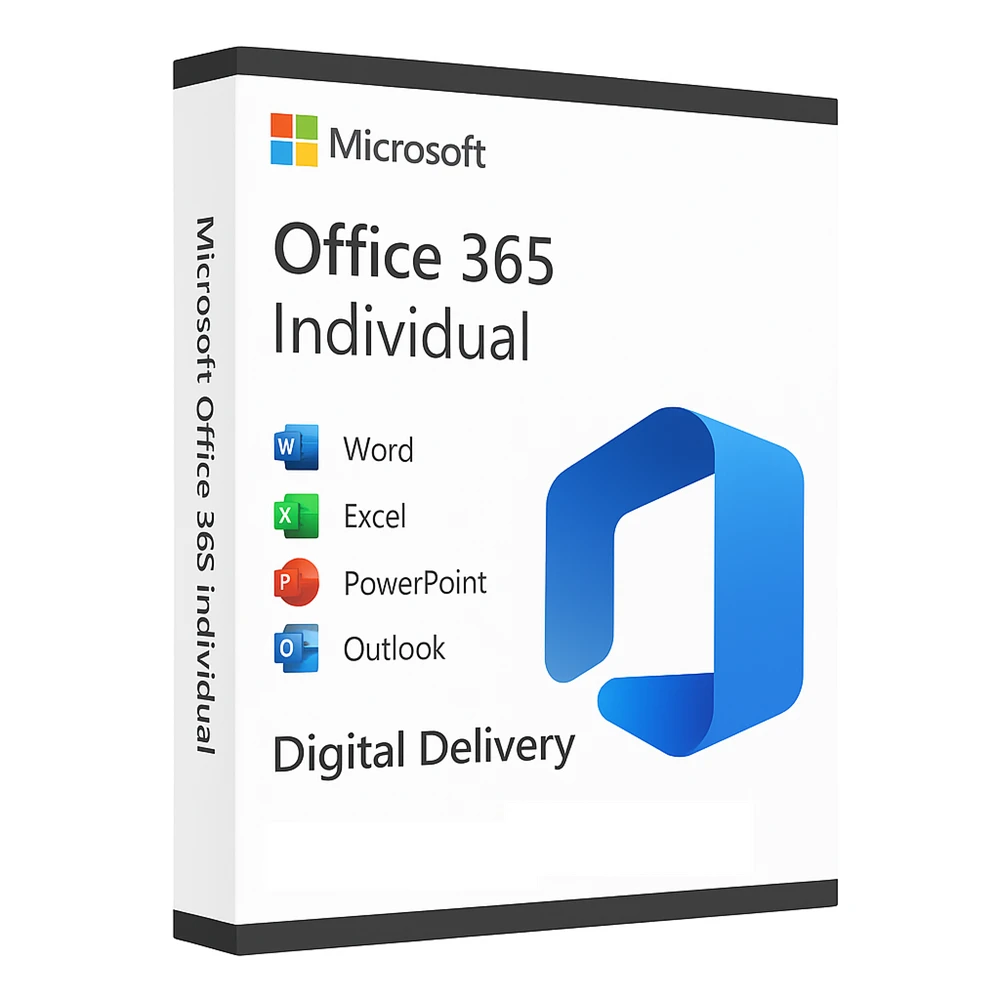
Microsoft Office 365 Individual – Email Delivery
₹899.00
- License For 1 Machine Only
- Official Download Link Included
- Product Guidebook Included (PDF)
- Delivery Within 10-15 Minutes
- Digital Delivery Through By Email
Description
Microsoft Office 365 Individual
Introduction
Microsoft Office 365 Individual is designed for individuals who want premium productivity tools, and unmatched flexibility for work, study, and personal projects. With this plan, you get access to the complete suite of Office applications, including Word, Excel, and PowerPoint, optimized for Windows, and Android devices. Whether you are a student, or freelancer, managing personal projects, this plan provides everything you need to create, collaborate, and communicate efficiently.
In today’s fast-paced digital world, having the right productivity tools is essential. MS Office 365 Individual empowers you with premium features, and advanced security measures, ensuring that your documents, emails, and projects are safe and accessible anytime, anywhere.
Key Features of Microsoft Office 365 Individual
-
Access to Premium Office Apps – Enjoy the latest versions of Microsoft Word, Excel, and PowerPoint, for all your writing, data analysis, and presentation needs.
-
Multi-Device Compatibility – Use your Office 365 subscription across PCs, and smartphones without limitations.
-
Regular Updates – Get the newest features, security patches, and performance improvements automatically.
Included Applications
The Microsoft Office 365 Individual plan provides all the essential Office apps:
-
Microsoft Word – Create professional documents with powerful formatting tools.
-
Microsoft Excel – Analyze data with advanced formulas, charts, and automation features.
-
Microsoft PowerPoint – Design stunning presentations with creative templates and transitions.
Device Compatibility
works seamlessly across all your devices:
-
Windows – Use Office Online from any browser without installing software.
-
Android – Mobile-optimized apps for on-the-go productivity.
Who Should Choose Microsoft Office 365 Individual?
This plan is perfect for:
-
Students – Complete assignments, prepare presentations, and organize research efficiently.
-
Personal Users – Organize personal documents, create resumes, and maintain digital security.
Why Choose Office 365 Individual Over Free Alternatives?
Unlike free office tools, Microsoft Office 365 Individual provides:
-
Premium features and templates for advanced productivity.
-
Cross-platform syncing for consistent workflow on all devices.
-
Continuous updates with the latest innovations from Microsoft.
Benefits at a Glance
-
Save time with built-in AI tools like real-time grammar check and design suggestions.
-
Share documents securely with controlled access permissions.
FAQ – Microsoft Office 365 Individual
Q-1: How many devices can I use this plan on?
You can install Office apps on single device, including PC, and Smartphone.
Q-2: Can I share this plan with my family?
No, this plan is for one individual user only. For multiple users, consider the Microsoft 365 Circle or Upper plan.
Conclusion
Office 365 Individual is your all-in-one solution for productivity, creativity, and communication. With its premium apps, advanced security, and cross-device flexibility, it is the perfect choice for students, and Personal users who need a reliable and feature-rich Office suite.
Get your Microsoft Office 365 Individual Account today and take your productivity to the next level!
System Requirements
✅ Operating System
-
Windows:
-
Windows 11
-
Windows 10 (latest version with all updates)
-
-
macOS:
-
The three most recent versions of macOS
-
✅ Processor
-
Windows:
-
1.6 GHz or faster, 2-core processor
-
-
macOS:
-
Intel processor or Apple Silicon (M1, M2, M3 series)
-
✅ Memory (RAM)
-
Windows:
-
4 GB RAM (64-bit)
-
2 GB RAM (32-bit)
-
-
macOS:
-
4 GB RAM
-
✅ Hard Disk Space
-
Windows:
-
4 GB of available disk space
-
-
macOS:
-
10 GB of available disk space
-
✅ Display
-
Windows:
-
1280 x 768 screen resolution
-
-
macOS:
-
1280 x 800 screen resolution
-
✅ Graphics
-
DirectX 9 or later with WDDM 2.0 or higher
✅ Internet
-
Internet connection required for activation and updates
✅ Browser
-
The current version of Microsoft Edge, Safari, Chrome, or Firefox
✅ Additional Requirements
-
Microsoft account for activation
-
Some features require a Microsoft 365 subscription
Disclaimer
- This office 365 version not a monthly or annual account thus, a pre-generated username and password.
- Users/Customers requires to change the login password on the first login, you can also change your password anytime in your Office 365 dashboard, if you already inside your 365 account.
- Please do not forget your password, it is irretrievable once forgotten to ensure accounts are never accessed by anyone else aside from the first person that logged in.
Only logged in customers who have purchased this product may leave a review.
Reviews
There are no reviews yet.