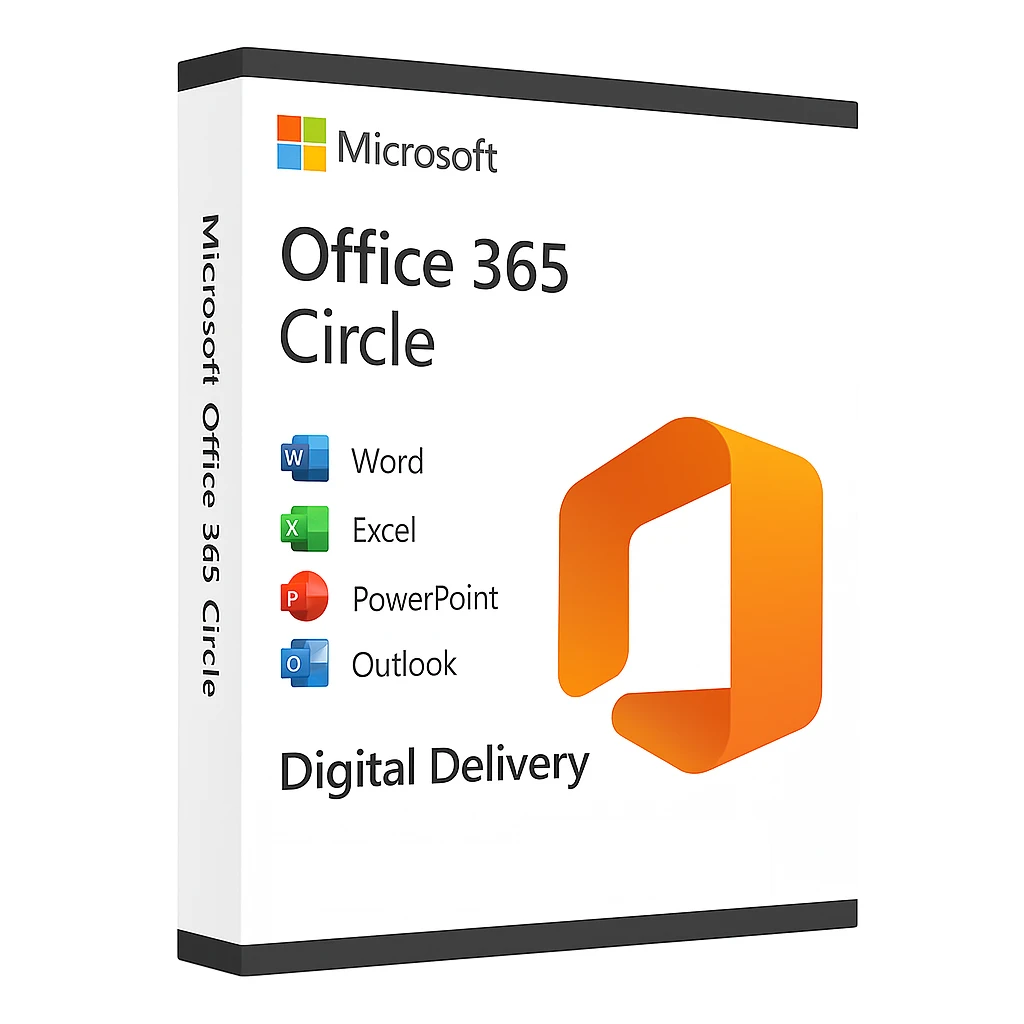
Microsoft Office 365 Circle – Email Delivery
₹1,299.00
- License For 2 Machines Only
- Official Download Link Included
- Product Guidebook Included (PDF)
- Delivery Within 10-15 Minutes
- Digital Delivery Through By Email
Description
Microsoft Office 365 Circle
The Complete Productivity Suite for Your Business and Personal Needs
In today’s fast-paced digital era, having a reliable and feature-rich productivity suite is no longer a luxury but a necessity. Microsoft Office 365 Circle brings you the ultimate combination of tools and services designed to streamline your workflow, boost productivity, and keep you connected from anywhere in the world. Whether you are a student, a professional, or a business owner, delivers a comprehensive solution that caters to every need with advanced features and seamless integration.
What is Microsoft Office 365 Circle?
Microsoft Office 365 Circle is an innovative and enhanced edition of the globally renowned Microsoft Office suite, offering a wide range of applications and cloud-based services to ensure smooth operations for personal, educational, and enterprise use. Unlike traditional software, Office 365 Circle is built on a subscription-based model, allowing you to access the latest updates, security features, and cutting-edge tools without worrying about outdated versions.
It combines the power of Word, Excel, PowerPoint, Outlook, OneNote, and more in one ecosystem, ensuring real-time collaboration and unmatched efficiency. With Microsoft Office 365 Circle, you don’t just get apps—you get a connected, intelligent platform designed to take your productivity to the next level.
Why Choose Microsoft Office 365 Circle?
1. Always Up to Date
Gone are the days of manual upgrades and outdated software. With Microsoft Office 365 Circle, you always have the latest features, security updates, and performance improvements. Your system stays modern, secure, and optimized for maximum productivity.
2. Unmatched Security
Prioritizes security. From advanced threat protection and email encryption to multi-factor authentication and compliance tools, you can trust your data to remain safe and confidential.
Core Applications Included in Microsoft Office 365 Circle
Microsoft Word
Create, edit, and share professional-quality documents with ease. The AI-powered editor, advanced grammar check, and integrated templates make content creation smooth and effective.
Microsoft Excel
From financial analysis to data visualization, Excel in Office 365 Circle provides advanced formulas, charts, and pivot tables to help you make smarter decisions.
Microsoft PowerPoint
Design stunning presentations with intuitive tools, animations, and collaborative editing options. Office 365 Circle ensures your presentations stand out every time.
Microsoft Outlook
Manage your emails, calendar, and contacts in one place. Outlook offers powerful organization and scheduling tools to keep your work life in order.
OneNote
Take notes, organize ideas, and collaborate effortlessly. OneNote acts as your digital notebook for all your thoughts and plans.
Key Features of Microsoft Office 365 Circle
-
Multi-Device Access: Use it on Windows, macOS, and Android devices.
-
Real-Time Collaboration: Co-author documents and work together simultaneously.
-
Regular Updates: Automatic upgrades ensure you always have the latest version.
-
Offline Access: Work without internet and sync later.
Benefits of Using Microsoft Office 365 Circle
-
Enhanced Productivity: With AI-driven tools and real-time collaboration, you save time and work smarter.
-
Flexibility and Mobility: Access your files and apps from any device, anywhere.
-
Top-Notch Security: Data encryption and compliance features for peace of mind.
Who Should Use Microsoft Office 365 Circle?
-
Students: For assignments, research, and collaboration.
-
Professionals: For email management, project planning, and reporting.
-
Enterprises: For advanced security, compliance, and large-scale collaboration.
Why “MS Office 365 Circle” is Different from Individual Versions
The “Circle” edition is designed for maximum versatility and advanced cloud integration, offering enhanced features that go beyond the standard Microsoft Office packages. It is not just an upgrade—it’s a complete transformation of the way you work, ensuring speed, security, and simplicity in every aspect of your tasks.
Get Started Today with Microsoft Office 365 Circle
Upgrade your productivity game and take advantage of the most powerful tools for modern work environments. Whether you are an individual seeking efficiency or a business aiming for growth, this is your ultimate solution.
System Requirements
✅ Operating System
-
Windows:
-
Windows 11
-
Windows 10 (latest version with all updates)
-
-
macOS:
-
The three most recent versions of macOS
-
✅ Processor
-
Windows:
-
1.6 GHz or faster, 2-core processor
-
-
macOS:
-
Intel processor or Apple Silicon (M1, M2, M3 series)
-
✅ Memory (RAM)
-
Windows:
-
4 GB RAM (64-bit)
-
2 GB RAM (32-bit)
-
-
macOS:
-
4 GB RAM
-
✅ Hard Disk Space
-
Windows:
-
4 GB of available disk space
-
-
macOS:
-
10 GB of available disk space
-
✅ Display
-
Windows:
-
1280 x 768 screen resolution
-
-
macOS:
-
1280 x 800 screen resolution
-
✅ Graphics
-
DirectX 9 or later with WDDM 2.0 or higher
✅ Internet
-
Internet connection required for activation and updates
✅ Browser
-
The current version of Microsoft Edge, Safari, Chrome, or Firefox
✅ Additional Requirements
-
Microsoft account for activation
-
Some features require a Microsoft 365 subscription
Only logged in customers who have purchased this product may leave a review.

Reviews
There are no reviews yet.